Xentrop Android Access
Xentrop Android Access
Controlled Android access for approved users while Play Store distribution and broader platform rollout are staged.
Version
Android Access 0.1.16
Package: com.terraflock.xentrop
Enterprise access requires a signed environment invite. For onboarding, contact contact@terraflock.com.
Scope
- - Controlled Android-first access channel for approved users
- - Production package ID and release signing
- - Certificate pinning enabled
- - No-GMS Huawei/Honor degraded until HMS support
- - iOS and broader platform rollout staged separately
Verify
APK SHA-256
8fd265e6523d502504c2ed961cf33d8a541971dc1e4a1a4a13ea85a8151d279b
Signing cert SHA-256
1b8232143724fe6f6728c90c0a8fb71c3e3c4b1b17a7cd0f91a430fee3904fc3
Boundary
This access channel is for controlled Android use. Install only from the official Xentrop website and avoid forwarded APKs or mirrors.
Privacy policyInstall Steps
- 1.Download the APK only from this official Xentrop page.
- 2.Open the APK from your browser or file manager.
- 3.If Android asks, allow install from this source for this install only.
- 4.Open Xentrop and complete onboarding.
- 5.Allow notifications and call permissions.
- 6.Enable Reliability Mode/background activity if your device requires it.
What you'll see
Client surfaces for the access boundary
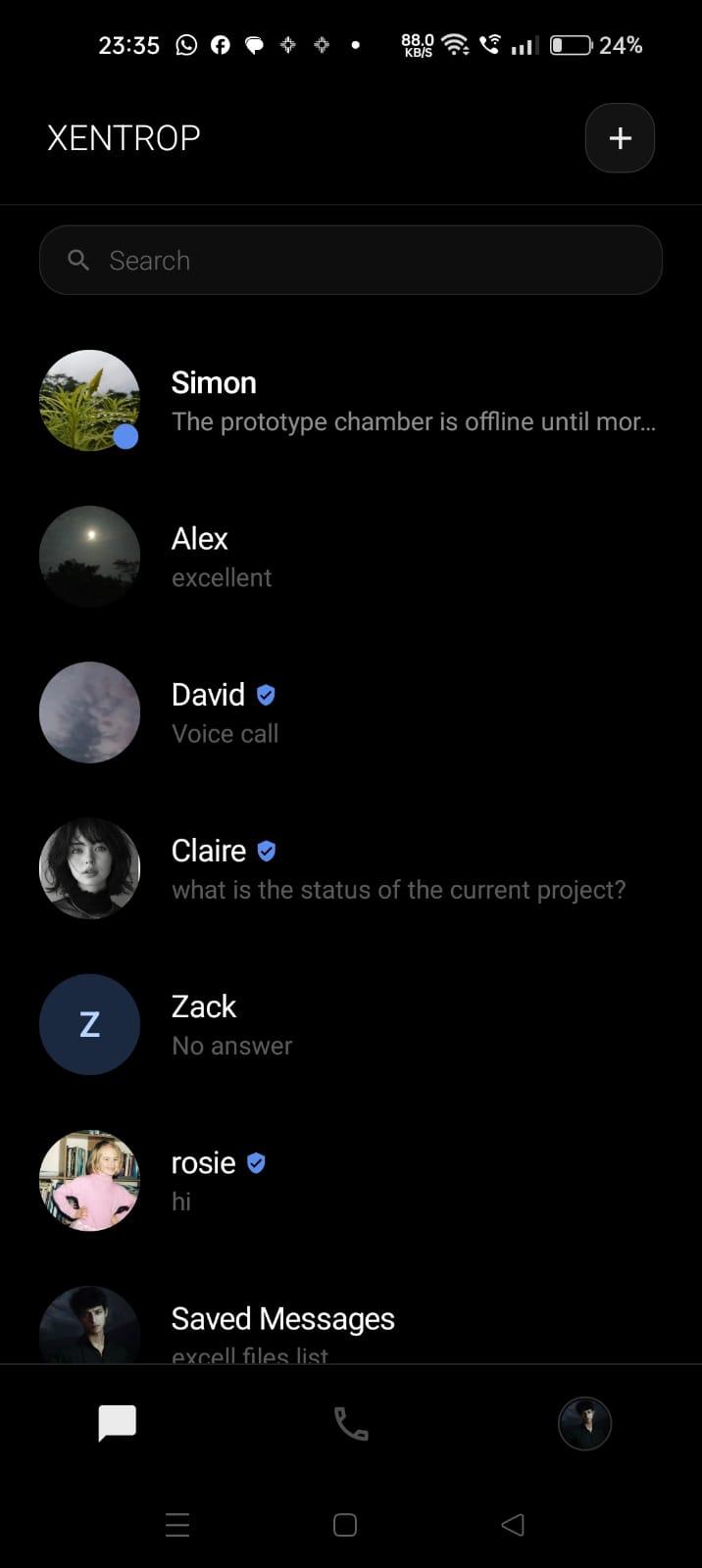
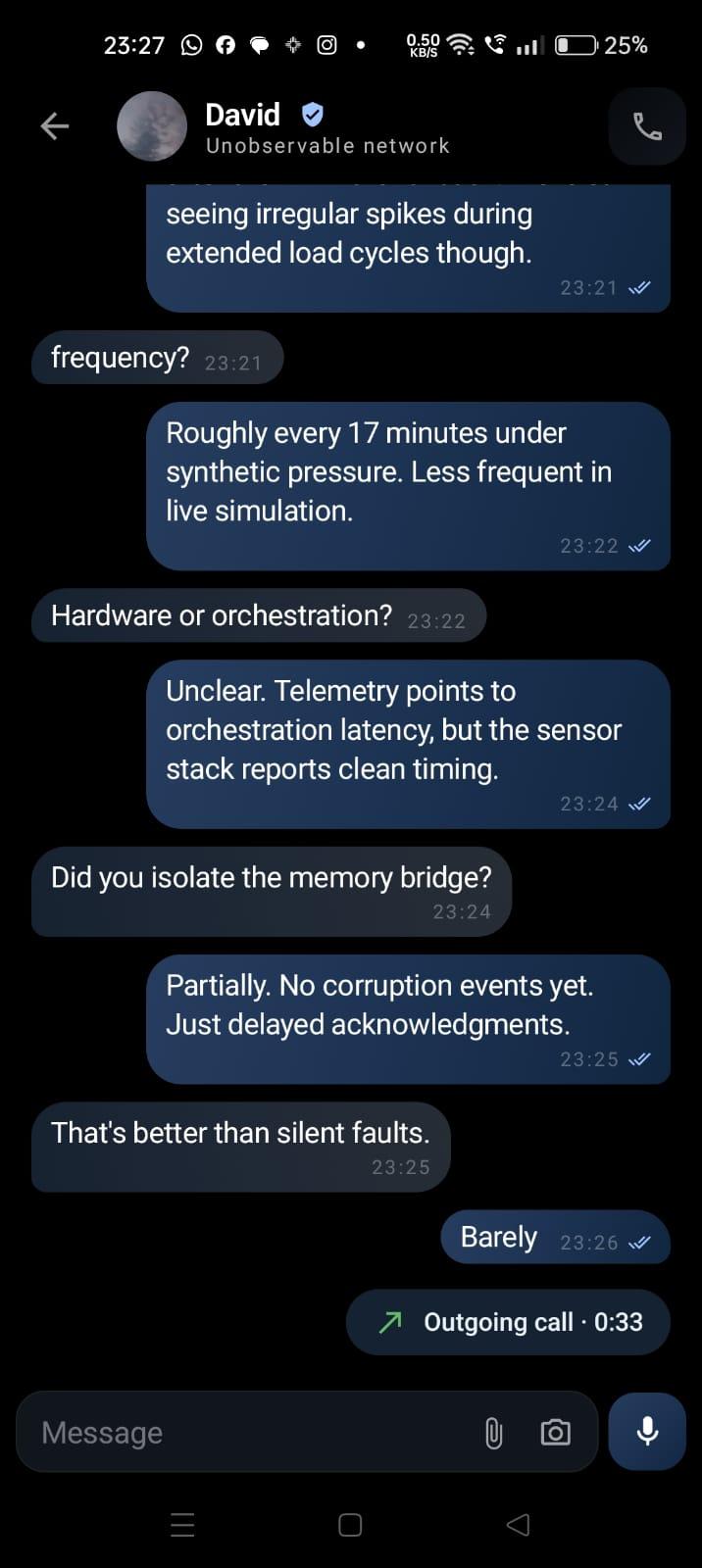
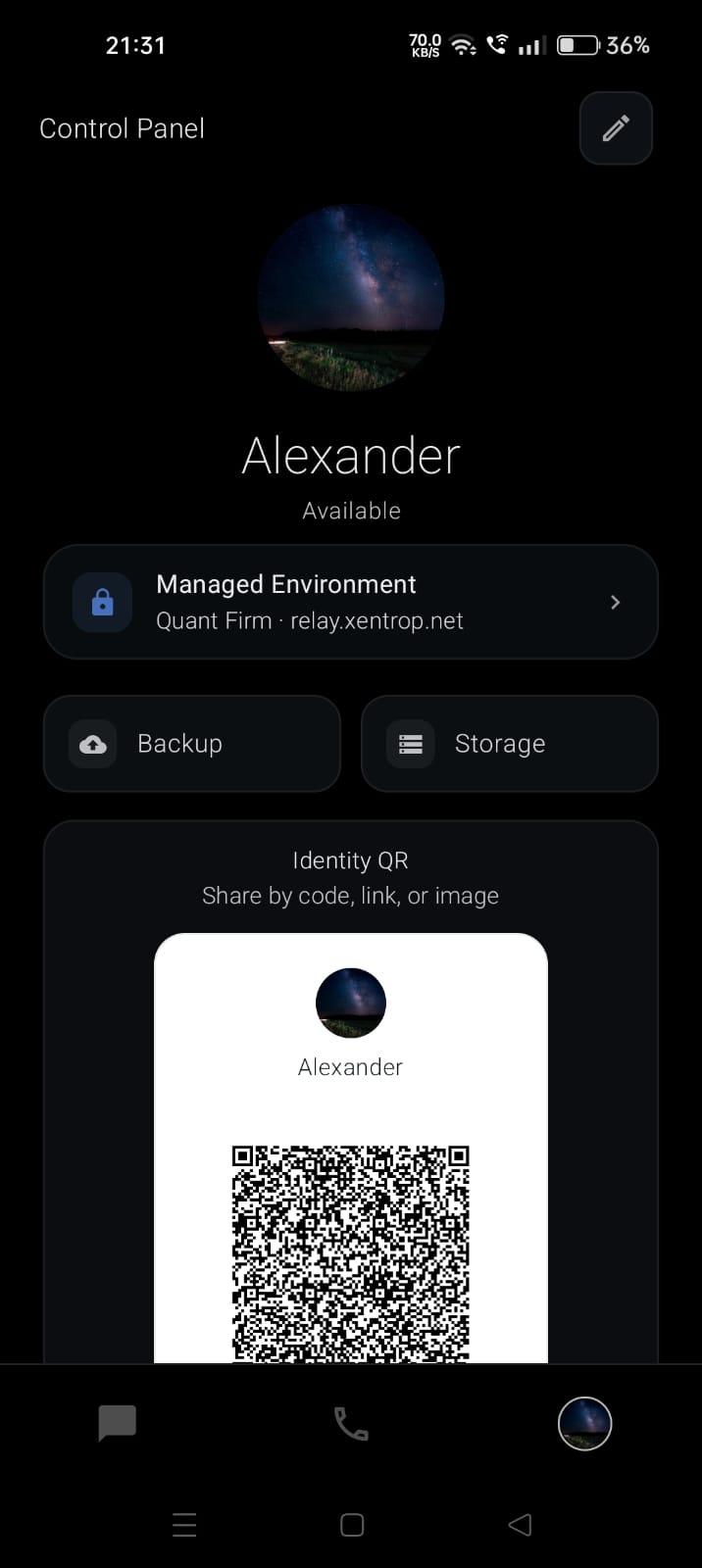
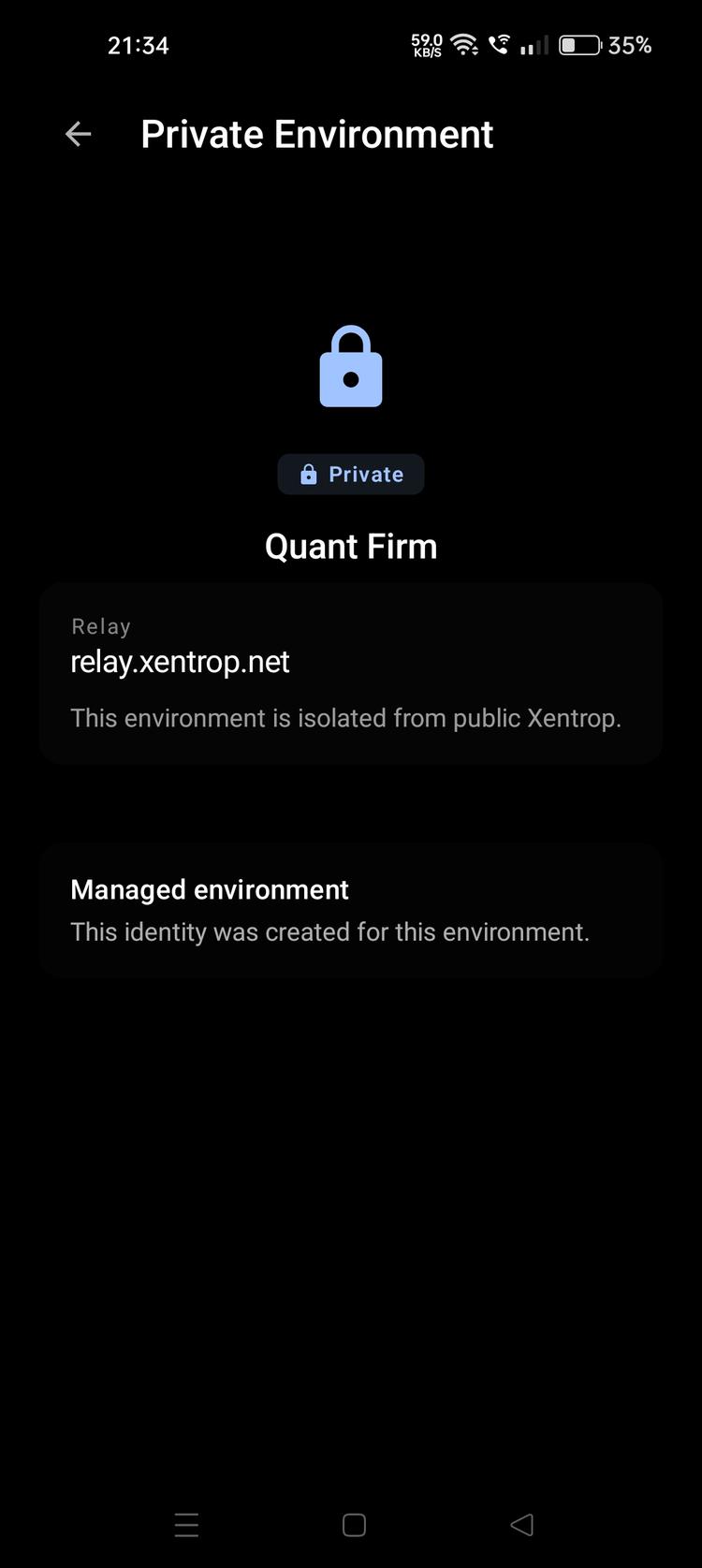
These previews show the Android surfaces users may encounter while joining a private environment, establishing contacts, setting up recovery, and verifying identity.
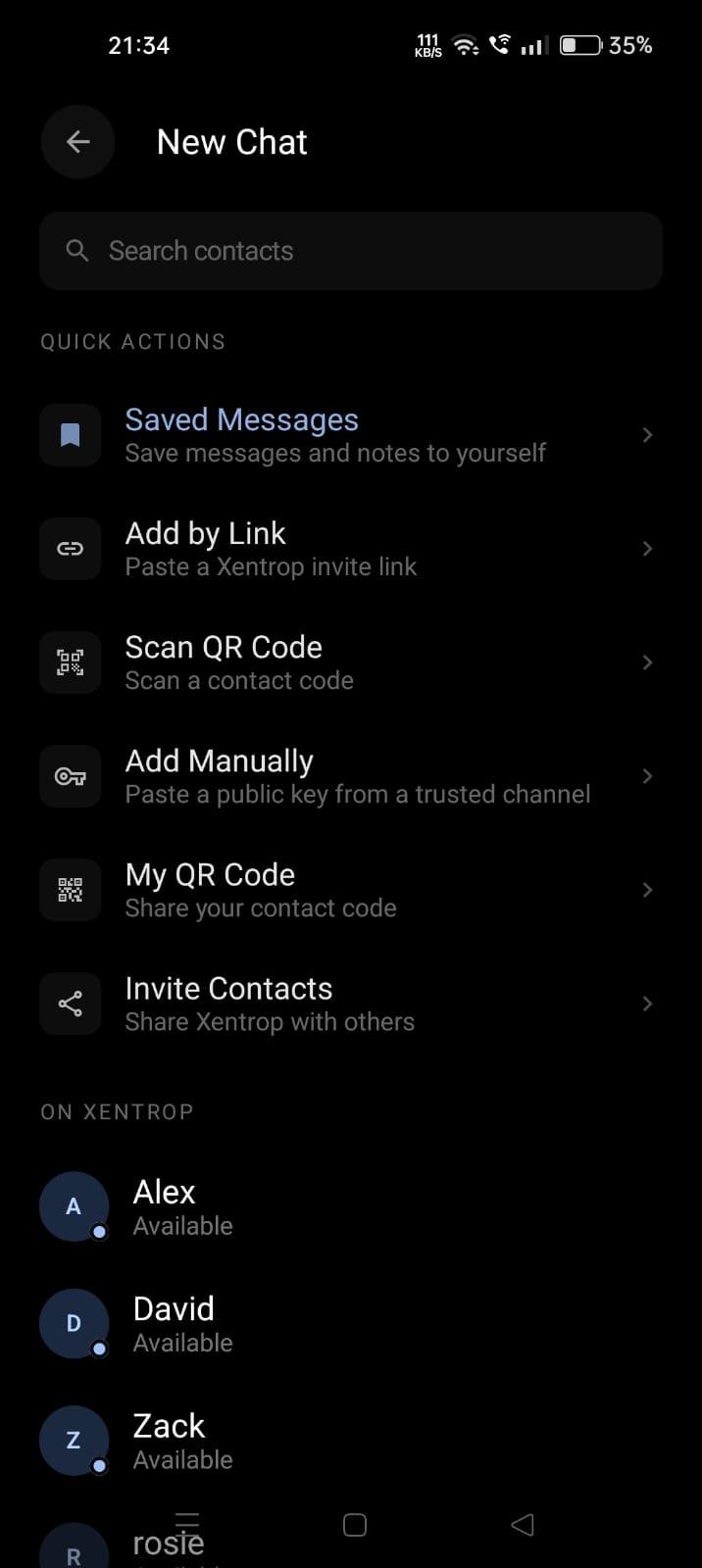
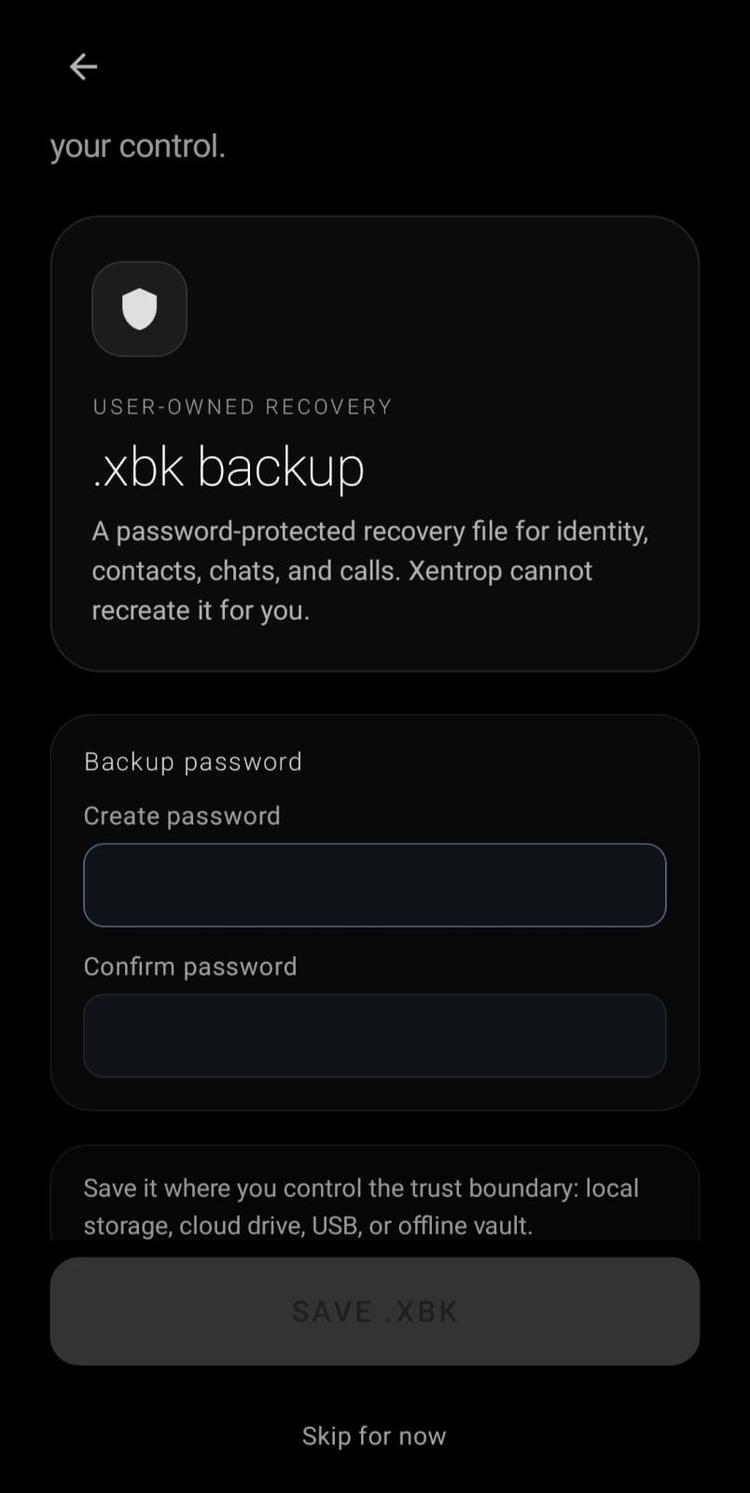
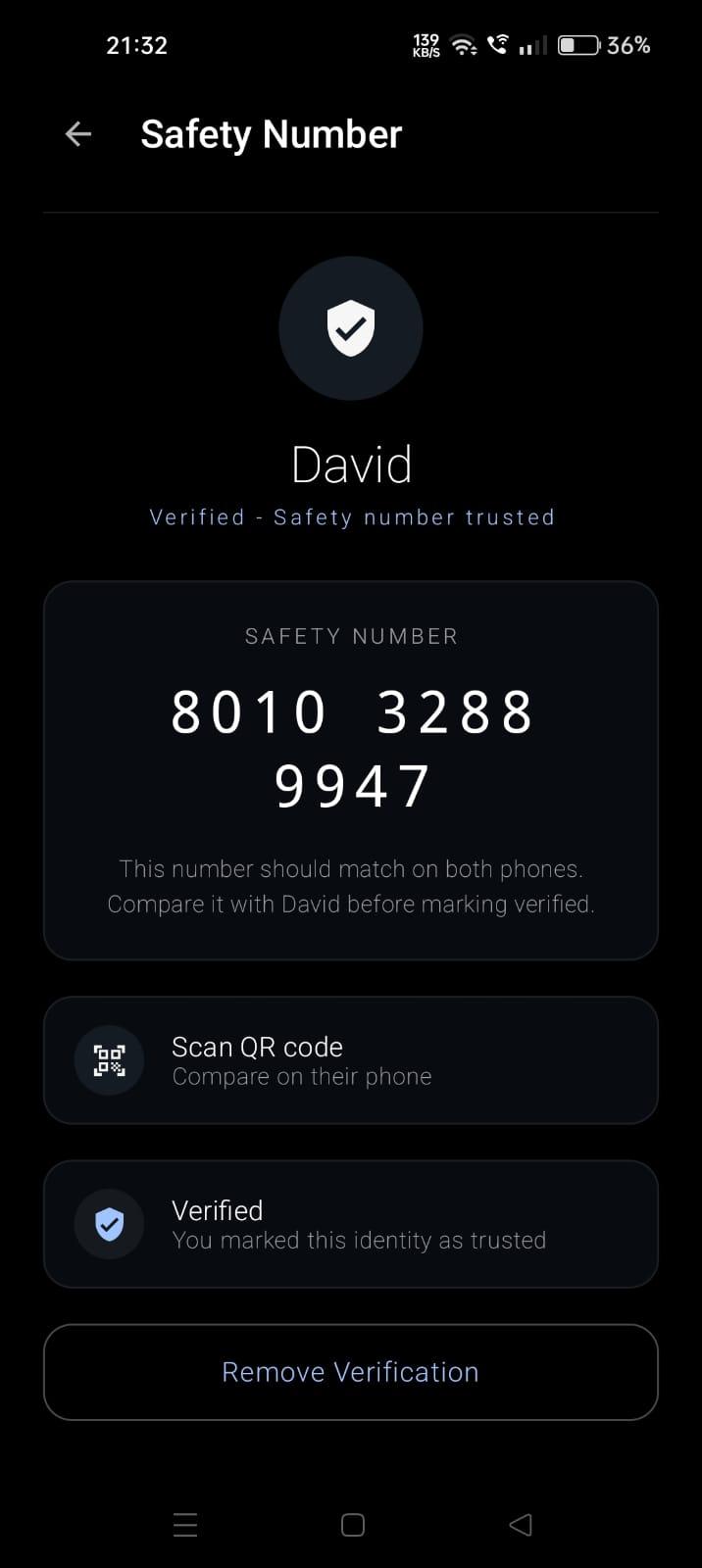
Direct website access users should update only from the official Xentrop website until Play Store migration is confirmed. Android may require enabling install from the browser or file manager; turn that permission off again after installation.